
DARKBEAM quality & documentation
Understand construction, model-specific markings and practical care for DARKBEAM portable lights.
Compare concrete details.
Quality starts with a product that suits its job. For a UV light, compare wavelength and filtering. For a headlamp, consider fit, beam coverage and controls. For infrared, establish compatibility with the receiving device before selecting accessories.
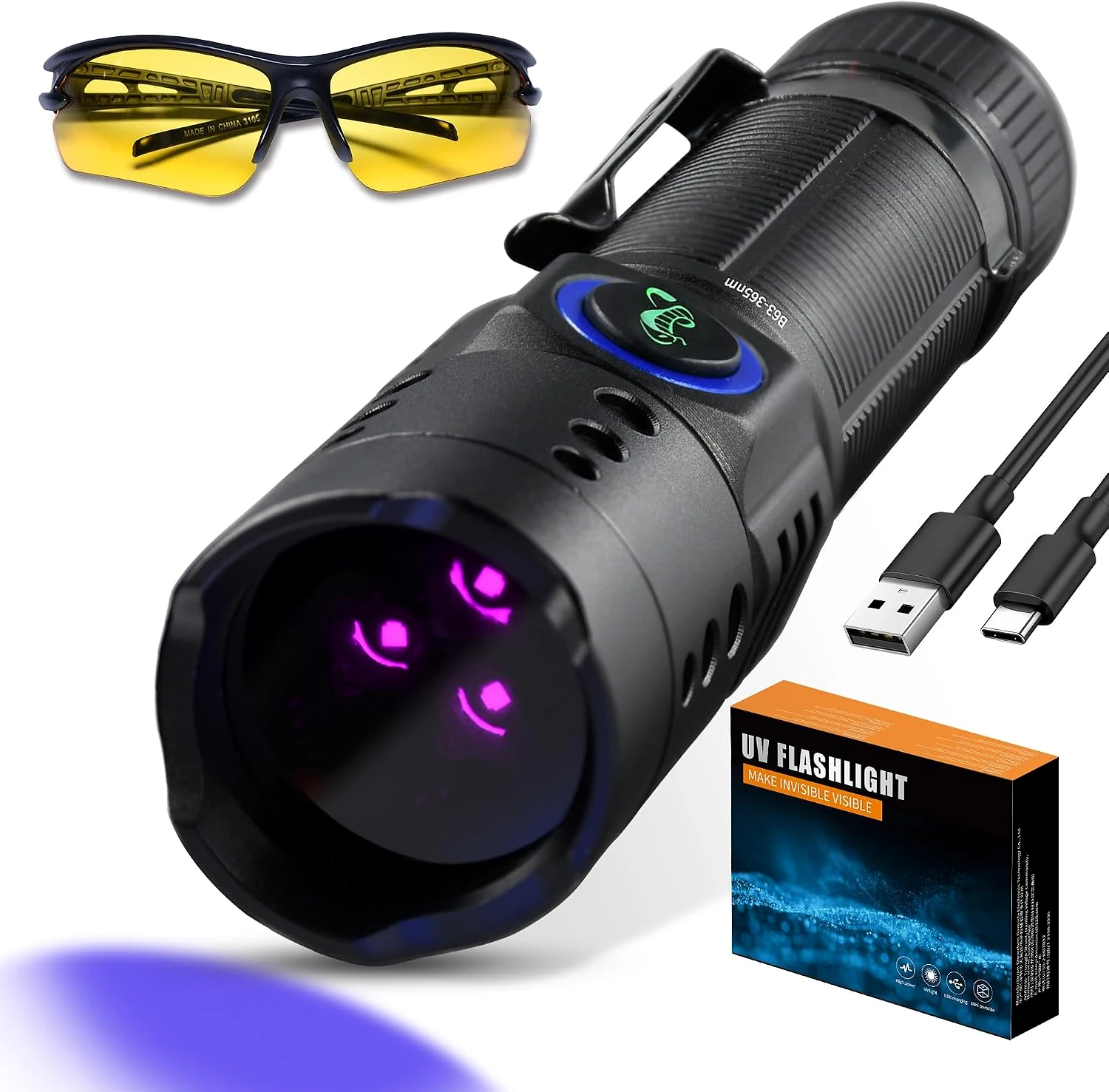
Construction belongs to the model.
Many handheld lights use aluminum bodies with textured surfaces, clips or adjustable-focus heads. Charging connections and batteries vary. Read the selected configuration and keep its instructions; do not infer compatibility from appearance alone.
Read water resistance precisely.
A splash-resistance claim does not mean a light can be immersed. Ratings, seals and port covers are model-specific. Keep a wet or damaged product disconnected from charging equipment, and follow its care instructions.
Certification, markings and documents
The original B71 product-information sheet identifies model B71 and serial B71-395nm-DB8437. It names Shenzhen Tianyida Electronic Technology Co., Ltd., provides a manufacturer address in Shenzhen and states that the model is made in China.
The sheet displays CE, UKCA, CCC and RoHS markings. These are the markings printed on that document. They are not presented here as an independently verified certificate, a test report or proof that every DARKBEAM product has the same compliance status.
Open the original B71 product-information sheet . Match documents to the exact model and market before relying on them. Keep the information supplied with your own product.
Use the light thoughtfully.
Keep UV and infrared away from eyes and skin, avoid direct or reflected exposure, and use protection appropriate to the task. Never inspect an emitter by looking into it. White light belongs in your kit for ordinary movement and visibility.
Need the right next step?
Visit product and order help with the model and selected configuration. Explore our guides for practical selection and use information.